MeeGo v1.1 Netbook [x86]
movies, software, shows...
Files
| meego-netbook-ia32-1.1.img | 823 MB |
Description

Программы и Дизайн » Linux, Unix и другие ОС » Операционные системы (Linux, Unix)
MeeGo v1.1 Netbook
Год выпуска: 2010
Версия: 1.1
Разработчик: Nokia, Intel, Linux Foundation
Платформа: x86
Системные требования:
RAM 128Mb; Video 64Mb
Процессор x86, одно из Intel Atom-based netbooks
Intel Atom-based handset (Moorestown)
Intel Atom-based in-vehicle
[hr]
Описание: MeeGo — платформа, анонсирована корпорациями Intel и Nokia на мобильном конгрессе в Барселоне, которая станет гибридом мобильных систем Moblin (Mobile Linux) и Maemo. Первая версия(1.0) MeeGo появилась 26 мая 2010 года, а устройства на базе ОС — появятся до конца 2010 года.
MeeGo предназначена для работы на широком спектре устройств, включая смартфоны, планшеты и нетбуки. Это позволит создавать приложения, которые без адаптации будут работать сразу на нескольких видах устройств. Магазином приложений для MeeGo станет принадлежащий Nokia Ovi Store.
MeeGo — независимая операционная система, которая, однако, использует наработки таких проектов, как Maemo, Moblin, Fedora и Debian.
Система MeeGo является полностью открытой, ее исходные коды опубликованы. Intel и Nokia заявили, что все компании-производители аппаратного обеспечения получат равный доступ к MeeGo
[hr]
[spoiler="Инф на английском"]
MeeGo v1.1 for Netbooks
Quick Start
Download the live image (MD5 Sum)
Follow the instructions on installing the image on your netbook or nettop.
The MeeGo Netbook User Experience includes:
Visually rich netbook user experience, built on the latest open source technologies.
Touch support integrated on netbooks/nettops.
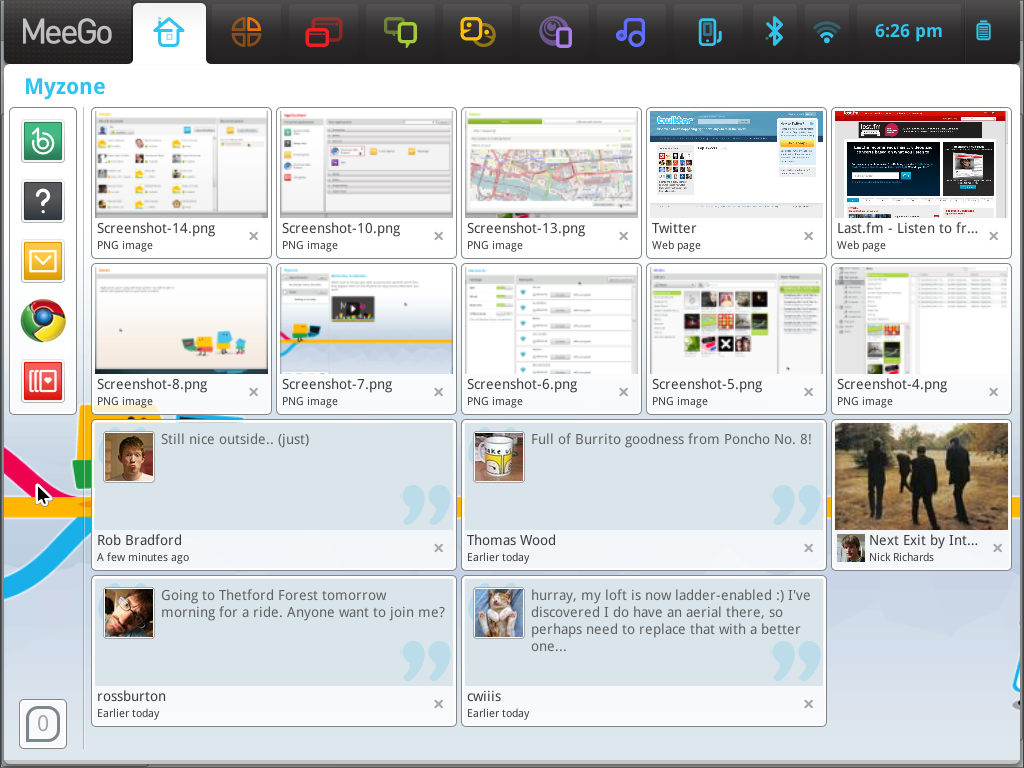
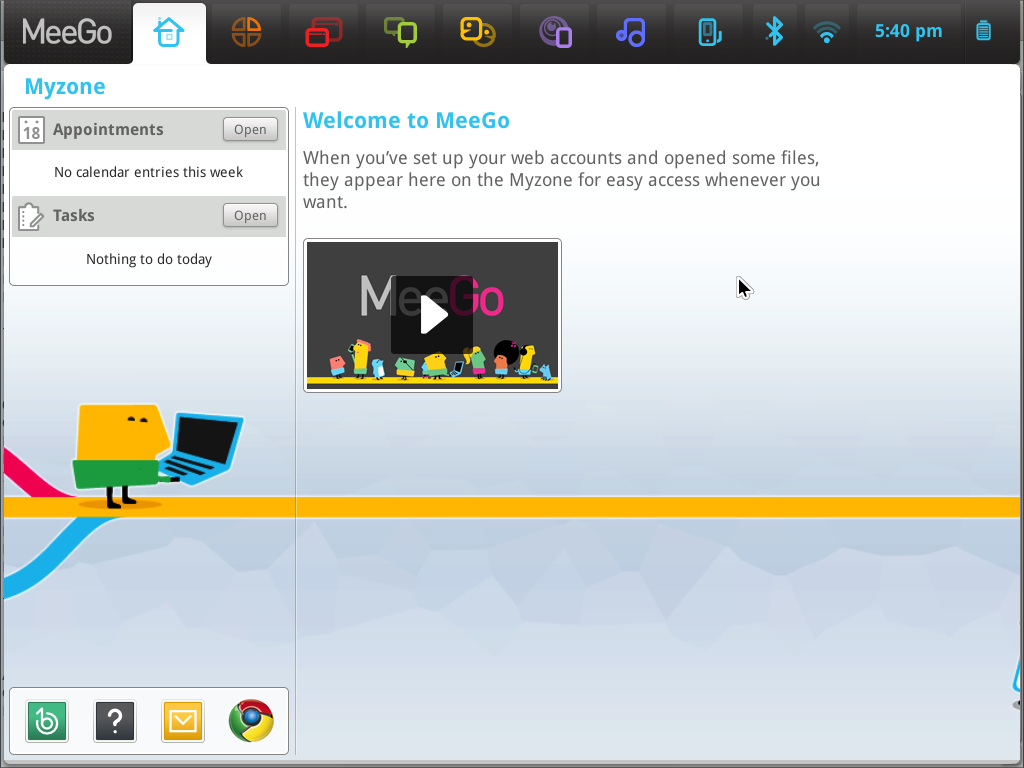
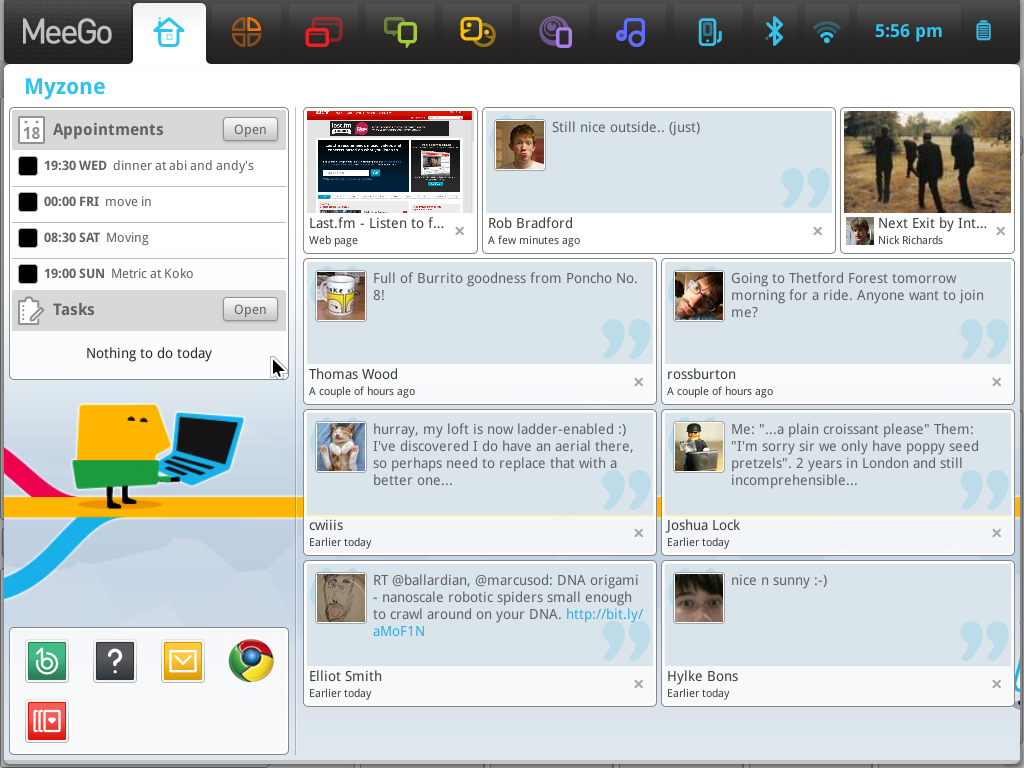
Instant access to your calendar, tasks, appointments, recently used files, and real-time social networking updates through the home screen.
Aggregation of your social networking content. This allows you to see your social networking activities on one screen, easily interact with your friends, and update your status and site information.
For a fast and rich internet experience: MeeGo Netbook user experience integrates Google Chrome or, if you prefer a fully open source browser solution, Google Chromium is also provided.
Easy to use applications for email, calendar, and media player.
Highly optimized for power and performance.
Languages: Japanese, Korean, Chinese Simplified, Chinese Traditional, Swedish, Polish, Finnish, Italian, Brazilian Portuguese, French, German, Spanish, Russian, Dutch, English, and British English.
MeeGo Core OS
The MeeGo Netbook image includes the MeeGo 1.1 Core OS. Check the release notes for details.
Supported Hardware
In general, MeeGo v1.1 for Netbook will run on Intel Atom* based netbooks, and has been tested on the following platforms:
Pinetrail Netbook: HP mini, Asus Eee PC* 1005PE
Nettop: MSI AE1900-B
Notebook: Acer Aspire* One 5740-6025
Installing
Download the image above.
Load the image onto your device or PC.
Required: Copy the image to a USB drive or burn it to CD.
Note: Image size (img): 800~ MB
Follow the instructions for installing the image. (est. time: 30 minutes to download, install, and reboot)
Known Issues and Workarounds
Some language names (mostly Indic) are unreadable during installation
Description: In the language selection view during installation, some language names are unreadable, so they cannot be installed.
Workaround: No known workaround.
Bug 6816: Failed to select some languages during the system installation because languages name are shown as unreadable codes.
Online music playback (in browser) fails after system resume
Description: When system resumes from suspend, online music playback fails.
Workaround: Restart the browser to play music again.
Bug 8555: Fail to play online music after system resumes.
Banshee player quits abnormally when adjusting volume multiple times, during full screen playback
Description: If volume is turned up or down multiple times during full screen video playback, Banshee player quits abnormally.
Workaround: Restart Banshee.
Bug 6966: Banshee auto quits when tuning volume multi-times during play, under full screen.
If playing online content (music/video) from the browser and Banshee audio simultaneously, only the audio source started first can be heard
Description: While Banshee music player is playing audio, music/video playback from a website in browser will have no sound. On the other hand, if online audio started before Banshee, then Banshee playback will have no sound.
Workaround: Play only one audio source at a time.
Bug 5553: Sound of local media playback by Banshee doesn't coexist with that of online playback.
Choppy video capture when using Cheese to record video
Description: Recorded video from Cheese webcam application will be choppy.
Workaround: No known workaround.
Bug 6528: The contents of capturing video by Cheese are incoherent.
Closing one Chromium browser window will also close other Chromium windows
Description: When multiple Chromium windows are open, and you use Ctrl-Shift-Q to close a window, other open Chromium windows will also close.
Workaround: No known workaround.
Bug 6556: The "Exit" will lead to other Chromium window closing.
[/spoiler]
[hr]
Доп. информация: Версия на Нетбук, как ставить:
http://meego.com/devices/netbook/installing-meego-netbook/windows-instructions
http://meego.com/devices/netbook/installing-meego-your-netbook
Список точно поддерживаемых устройств: Asus EeePC 901, 1000H, 1005HA, 1008HA, EeePC 1005PE, Eeetop ET1602
Dell mini10v, Inspiron Mini 1012
Acer Aspire One D250, AO532-21S, Revo GN40, Aspire 5740-6025
Lenovo S10
MSI U130, AE1900
HP mini 210-1044
Toshiba NB302
[spoiler="Скриншоты"]
[hr]
(Полноразмерные скриншоты открываются кликом по миниатюре)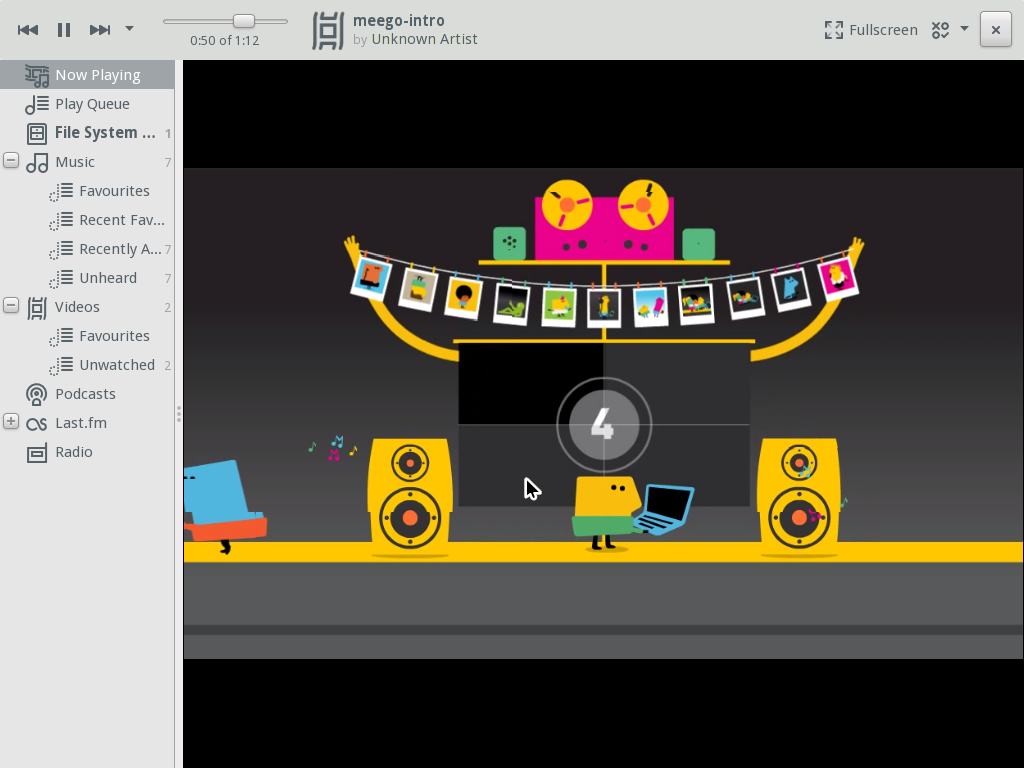
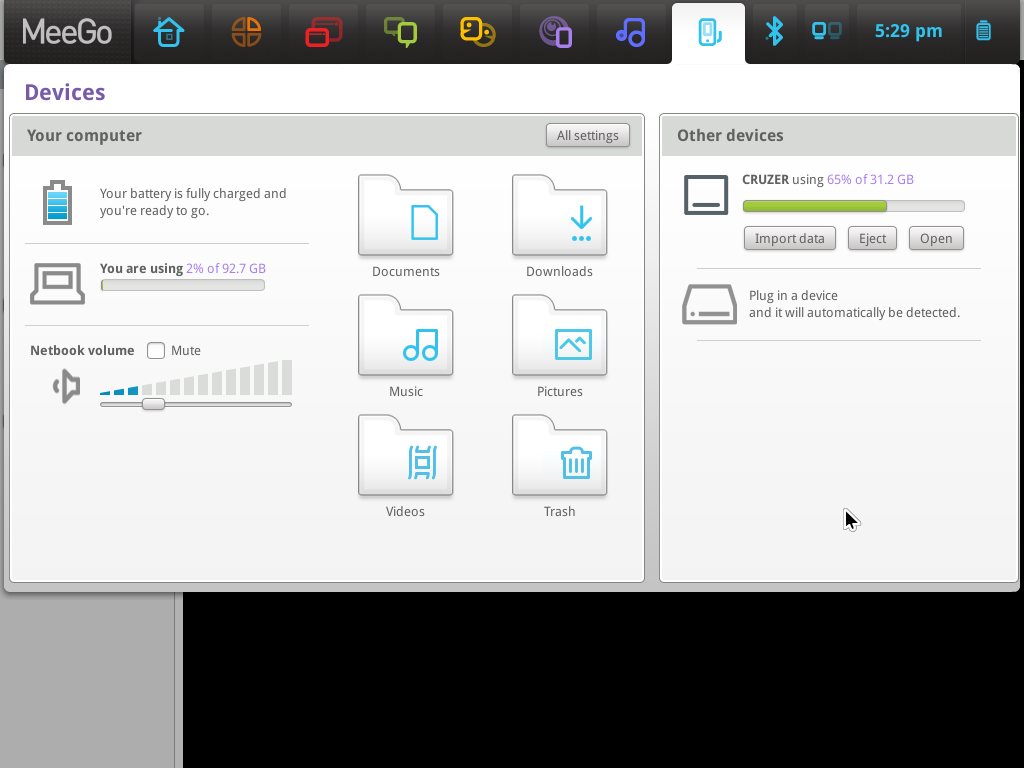

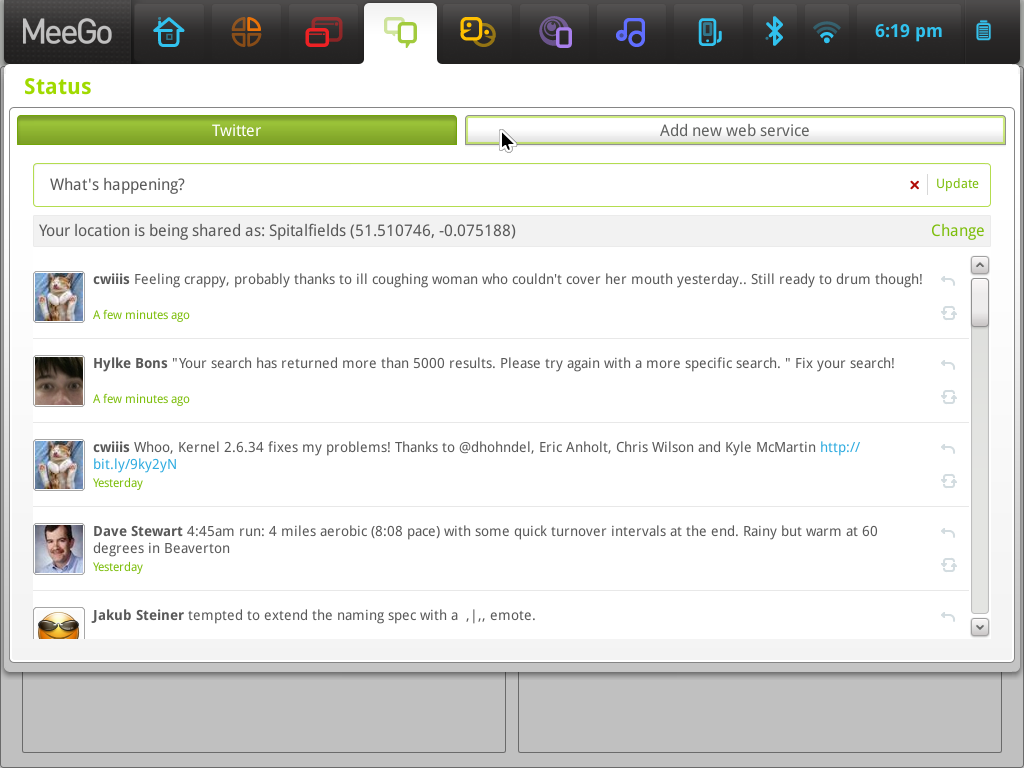
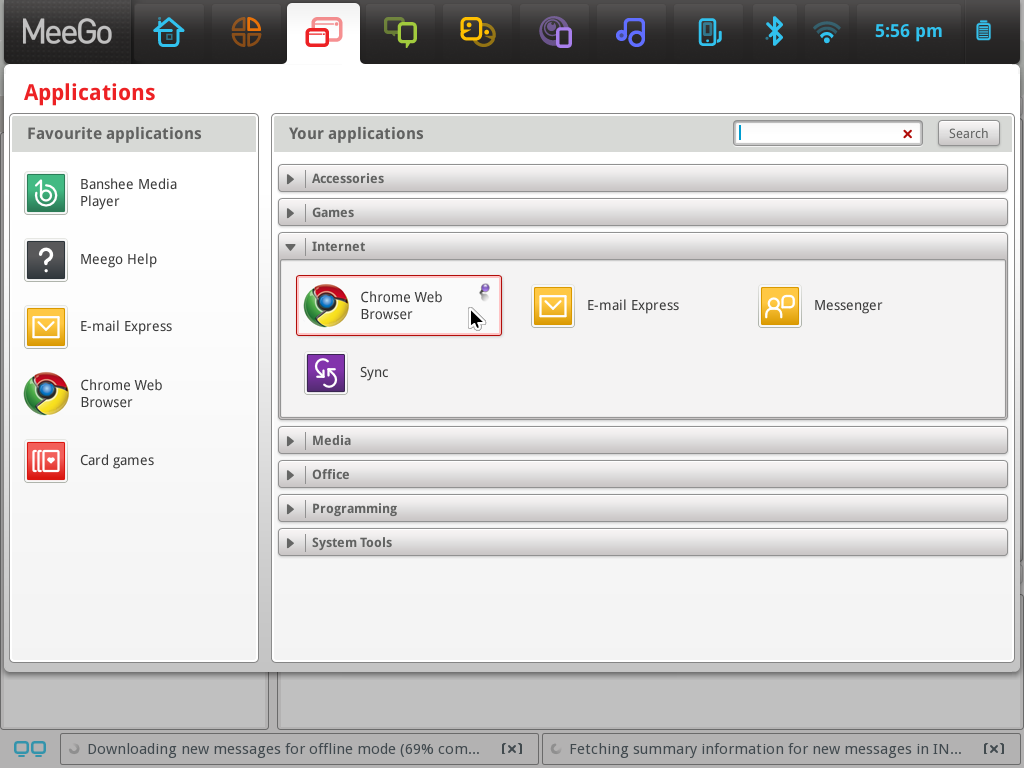
[/spoiler]
Related Torrents
| torrent name | size | uploader | age | seed | leech |
|---|---|---|---|---|---|
|
[Linux - MultiLang] MeeGo v1 1 per Netbook (Chromium Browser) [TNTvillage] Posted by
mattrix93 in Apps
> Linux
|
828.59 MB | mattrix93 | 7 years | 0 | 0 |
All Comments