Vietcong + Fist Alpha + Addons + VcStarter + Patches 1.01 > 1.6
movies, software, shows...
Files
| Autorun.inf | 0 B | ||
| Bugs and Support.txt | 307 B | ||
| Features of RisingSun.txt | 512 B | ||
| Hintergrund.jpg?042148 | 897.3 KB | ||
| Readme.txt | 2.6 KB | ||
| Red Dawn Readme.doc | 34 KB | ||
| Setup.exe | 208 KB | ||
| VCStarter.dll | 64 KB | ||
| VCStarterConfig.exe | 55 KB | ||
| VietCong.exe | 1.1 MB | ||
| Vietcong Readme.txt | 1.3 KB | ||
| Vietcong.exe | 232 KB | ||
| Vietcong_v101_patch.exe | 9.8 MB | ||
| Vietcong_v120_patch.exe | 22.6 MB | ||
| Vietcong_v130_patch.exe | 32 MB | ||
| Vietcong_v140_patch.exe | 7.9 MB | ||
| deviance.nfo | 6.3 KB | ||
| disk01.cbf | 686.5 MB | ||
| disk02.cbf | 642.9 MB | ||
| fdx-v141.nfo | 4.7 KB | ||
| fdx-vc14.nfo | 3.7 KB | ||
| flt-vfa.nfo | 4.7 KB | ||
| flt-vfaf.nfo | 4.3 KB | ||
| hs.nfo | 2.8 KB | ||
| maps (68 maps for multiplayer).zip | 428.4 MB | ||
| msvcp120.dll | 444.7 KB | ||
| msvcr120.dll | 948.2 KB | ||
| patch.cbf | 320.5 MB | ||
| patcher.cbf | 317.5 KB | ||
| pathos.mp3 | 1.7 MB | ||
| readme.txt | 512 B | ||
| rising sun important install notice.png | 1.8 MB | ||
| rzr-vc11.nfo | 2.8 KB | ||
| setup.bin | 208 KB | ||
| setup.cab | 285.7 MB | ||
| setup.cbf | 326.2 KB | ||
| setup.cfg | 13.2 KB | ||
| setup.exe | 408 KB | ||
| sun1 Kopie.jpg?042148 | 44.8 KB | ||
| vietcong.exe | 1.9 MB | ||
| vietcong1eu-alt-master.bat | 204 B | ||
| vietcong_v141_patch.exe | 7.5 MB | ||
| vietcong_v160_patch.exe | 42 MB | ||
| ▲ 68 total files | |||
Description
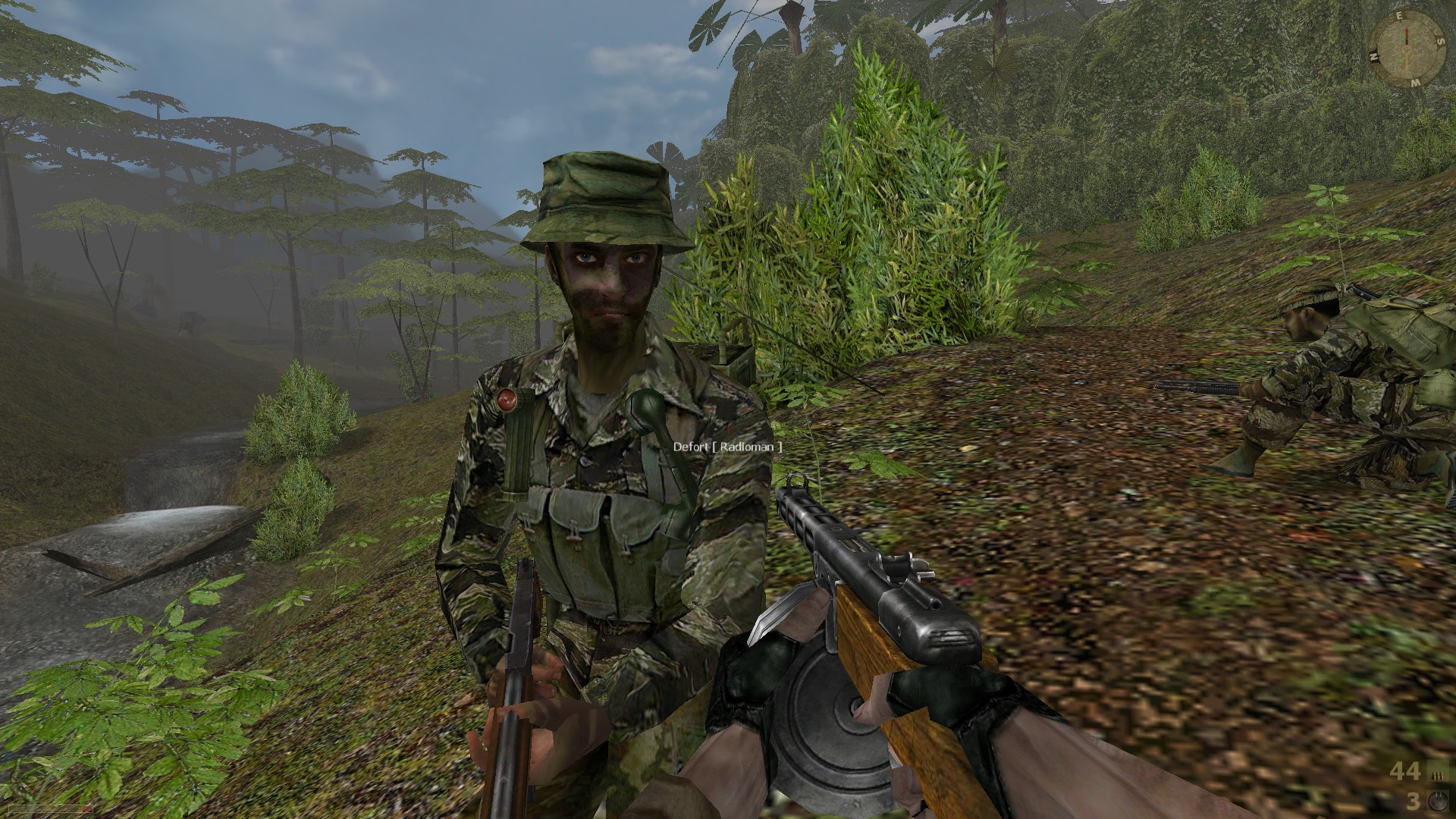
Vietcong is a 2003 tactical first-person shooter video game developed by Pterodon in cooperation with Illusion Softworks and published by Gathering of Developers for Microsoft Windows. It is set during the Vietnam War in 1967.
The expansion pack Vietcong: Fist Alpha was released in 2004 Another official add-on titled Red Dawn was released as a free downloadable content.
The game also features a local and online multiplayer mode which supports up to 64 players per match.
review on:
metacritic
Vietcong
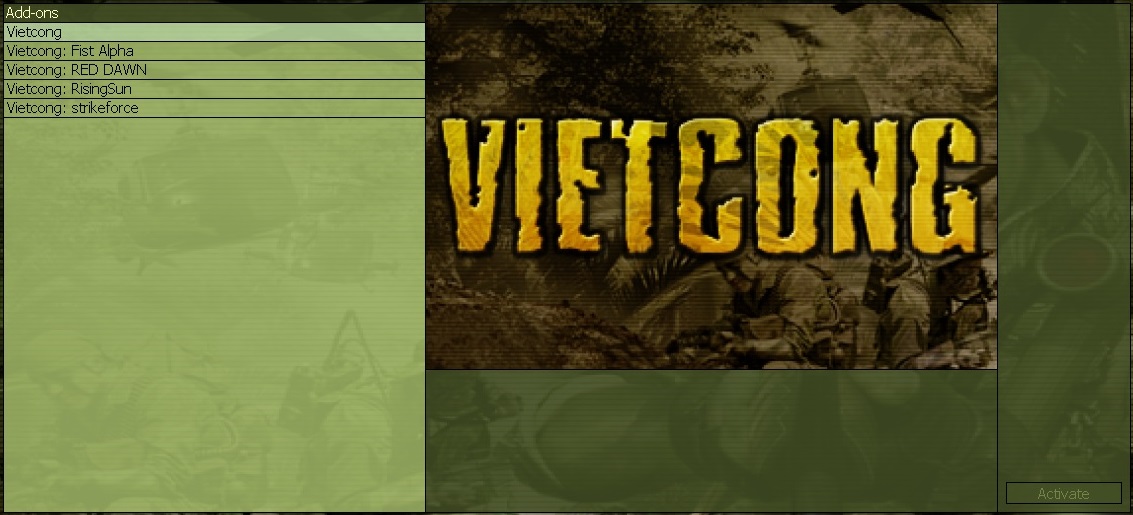
Includes following addons:
Vietcong - Fist Alpha
Vietcong - RedDawn
Vietcong - Rising Sun
Vietcong - StrikeForce
Installing and playing tested with windows 10 in following order:
1. Install Vietcong 1.0 from setup.exe
2. Install Patches in order from Vietcong_v101_patch to > vietcong_v141_patch
3. Install Vietcong - Fist Alpha v1.51 from setup.exe
4. Install vietcong_v160_patch
5. (optional) Install Vietcong - RedDawn v1.60(unofficial addon) from Setup.exe
6. (optional) Install Vietcong - StrikeForce v1.60(unofficial addon) from Setup.exe
7. (optional) Install Vietcong - Rising Sun v1.60(unofficial addon) from Setup.exe -!!Install normally untill you get to choose shortcuts. Use "active user" only (installer will crash otherwise).
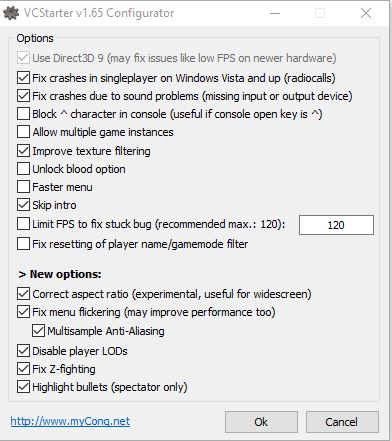
8. Copy VcStarter 1.7 beta (or if you are having problems, use 1.65.1) files to game folder (usualy "C:\Program Files\Vietcong\")
info and thanks to here: http://www.vietcong.info/portal/forum/viewthread.php?thread_id=899&
9. Open VCStarterConfig.exe on your gamefolder to get your desired options and press "OK"
10. Open game with vietcong.exe (or use addon shortcuts), adjust your screen settings and Play!
Notice: when ingame, dont touch your audio settings (mainly the "audio quality" checkbox as it will likely result in crash.)
Computers with windows XP or under can propably also use old crack files without the VcStarter: Copy vietcong.exe from Vietcong_v1.60 Crack folder to your installed game folder (usualy "C:\Program Files\Vietcong\vietcong.exe")
11. (optional multiplayer maps around 68pcs) Copy maps from maps.zip to installed game folder (usualy "C:\Program Files\Vietcong\maps)
12. (multiplayer hosts file) If you want to play multiplayer notice that gamespy servers are shut down and will not work. There is workaround to this on https://vietcong1.eu/en/game/faq
I want my server list back! Is there any solution?
Yes, Vietcong1.eu now acts also as an alternative master server. You just have to redirect network queries meant for GameSpy to Vietcong1.eu. This can be achieved by simply adding one line to your hosts file.
Download this script, run it (as an administrator, if needed) and you're done!
In case of any problems, or if you want to do this manually, just run program Notepad, open file C:\WINDOWS\system32\drivers\etc\hosts and add the following line to the end of the file:
46.28.109.117 master.gamespy.com
65.112.87.186 master.gamespy.com
13. If you are having trouble with game crashing in singleplayer, try to fiddle around with VcStarterConfig.exe. I found out that sometimes game crashes on same spot always so changing values example to: Limit FPS, Multisample Anti-aliasing etc. was helping to get trough those areas.
14. Play, enjoy and share!
Related Torrents
| torrent name | size | uploader | age | seed | leech |
|---|---|---|---|---|---|
| 1.69 GB | ganjaripz | 15 years | 0 | 0 | |
|
Vietcong v1.60: Fist Alpha | No-CD Crack, Simply Download & Play Posted by
AppleSinclair in Games
> PC Games
|
2.1 GB | AppleSinclair | 17 years | 1 | 0 |
| 1.12 GB | lukas | 20 years | 1 | 0 |
All Comments